
SafeScan
Spy Camera Detector. Sweep any room for hidden cameras and trackers.
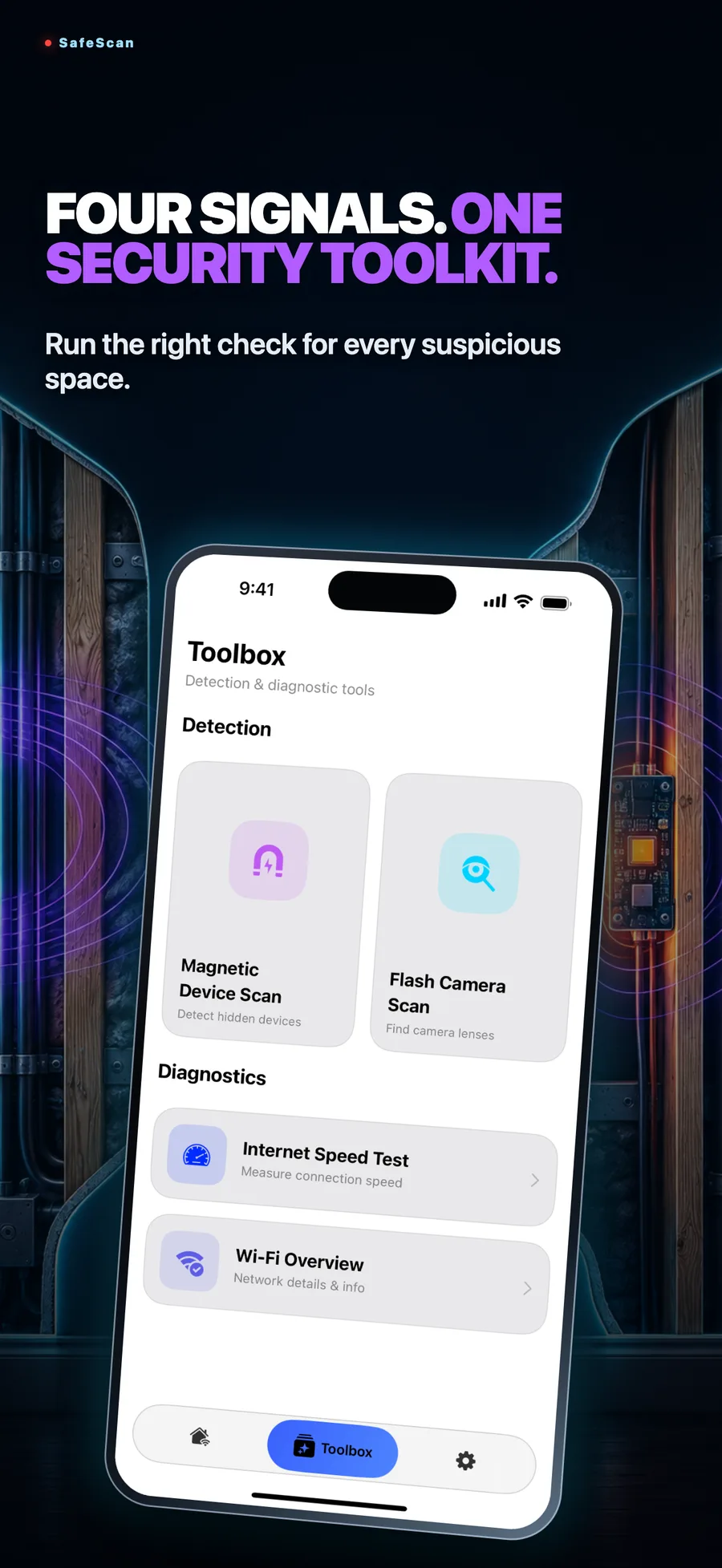
- Four signals in one app: Wi-Fi, Bluetooth, magnetic and camera lens.
- Find the lens before it finds you, in hotels, rentals and changing rooms.
- No account, no extra hardware. Camera, network and sensor data are never uploaded or shared.
- iPhone
- iPad
Features
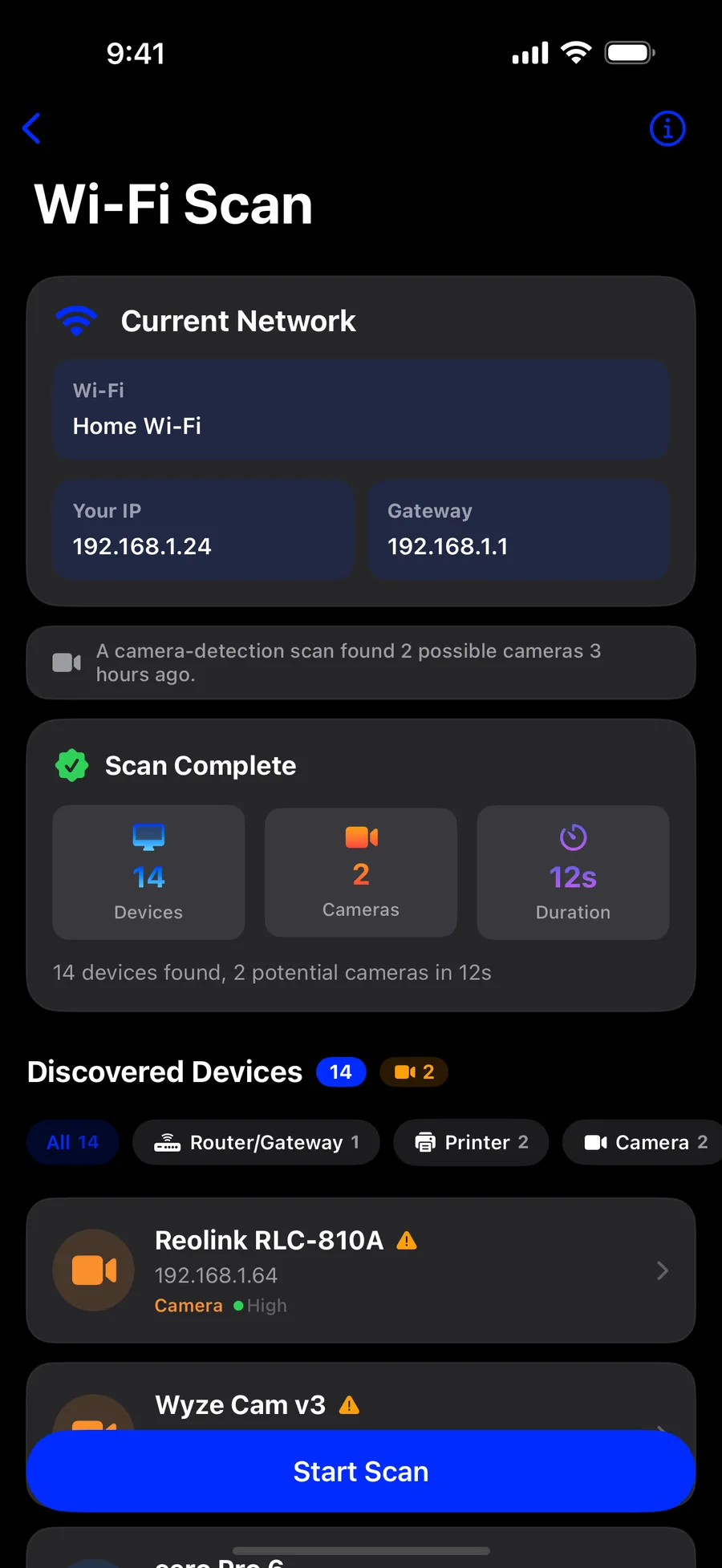
SafeScan turns your iPhone or iPad into a four-signal sweep for hidden cameras and spy devices. Check the Wi-Fi network, look for camera lenses, catch magnetic anomalies and find Bluetooth trackers, all from one app. No extra hardware and no account. Your camera, network and sensor data are never uploaded or shared.
Hidden cameras on Wi-Fi
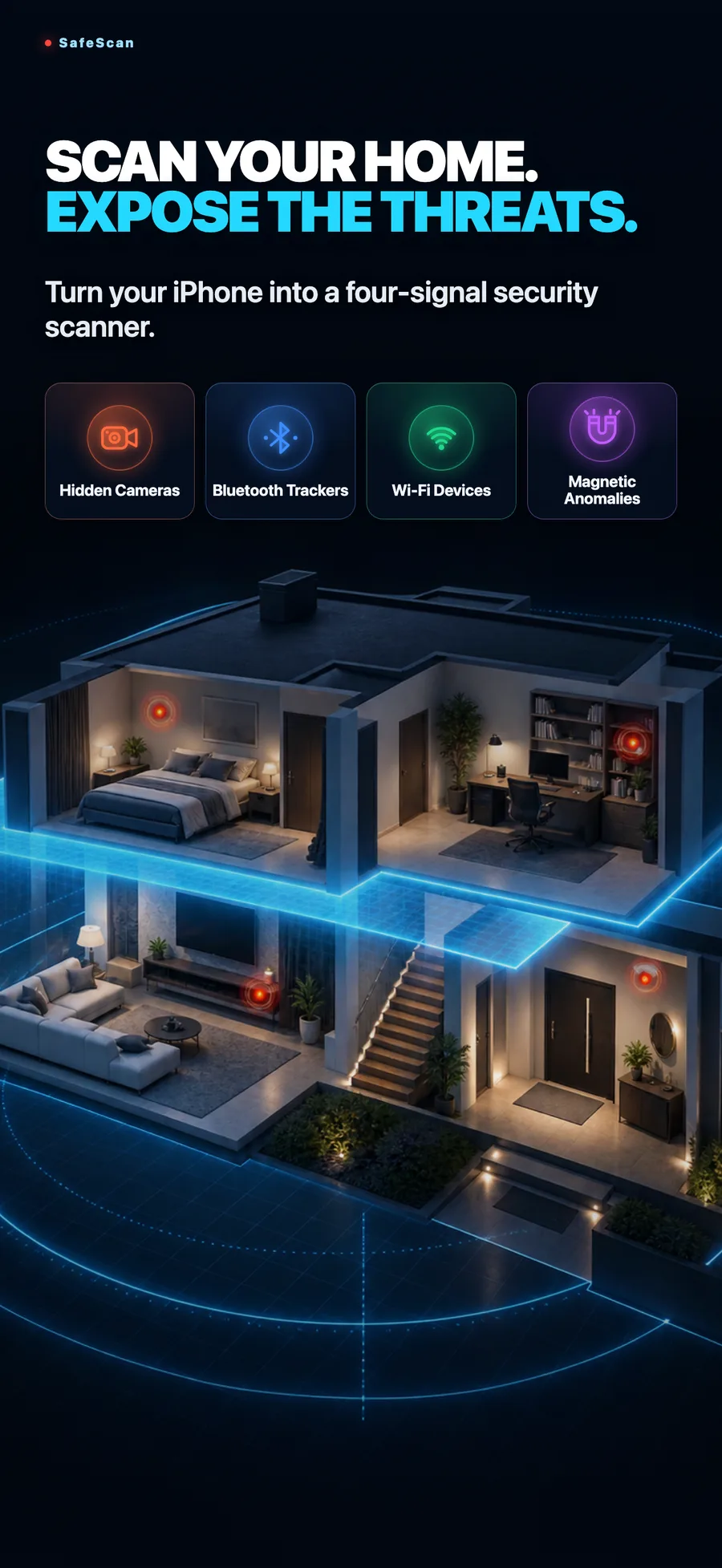
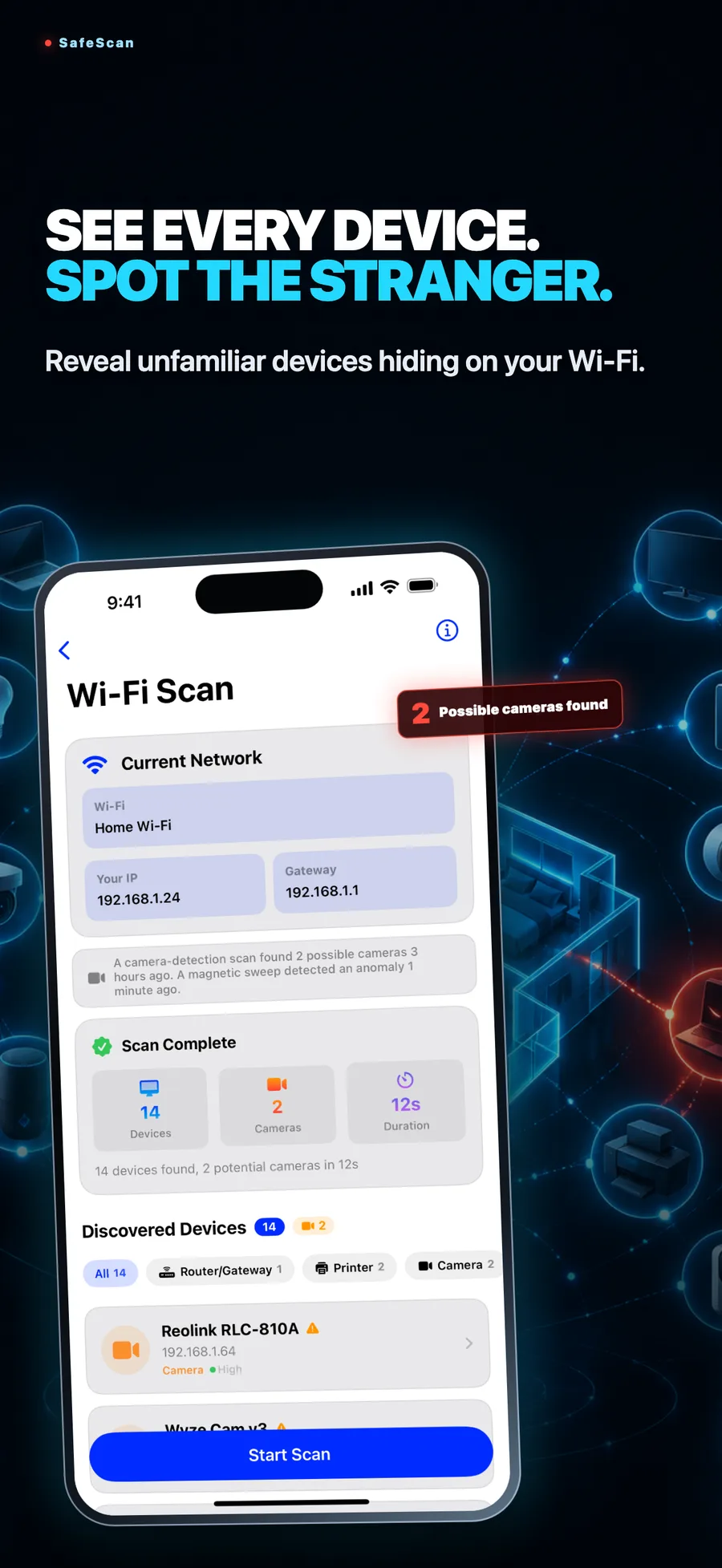
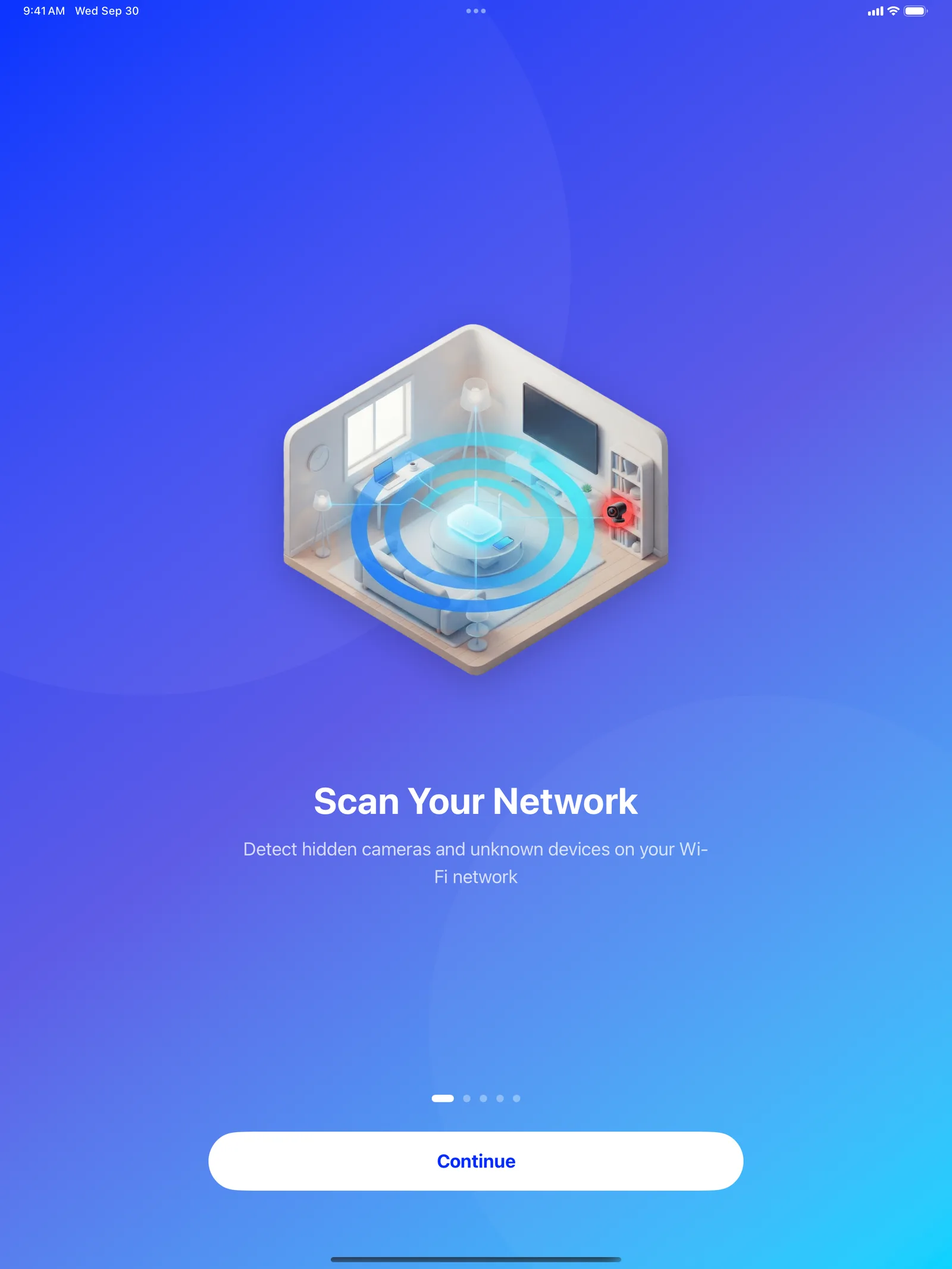
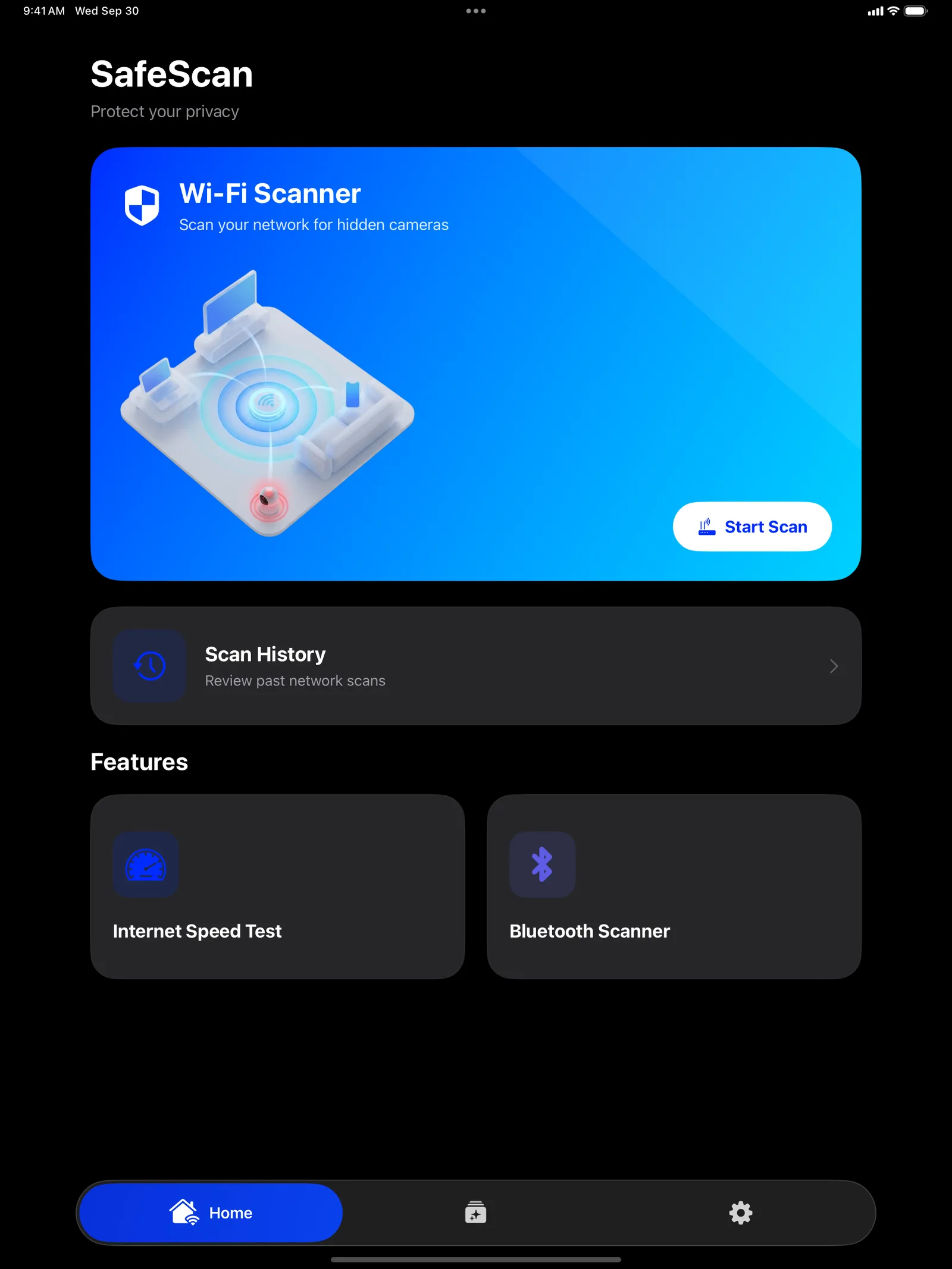
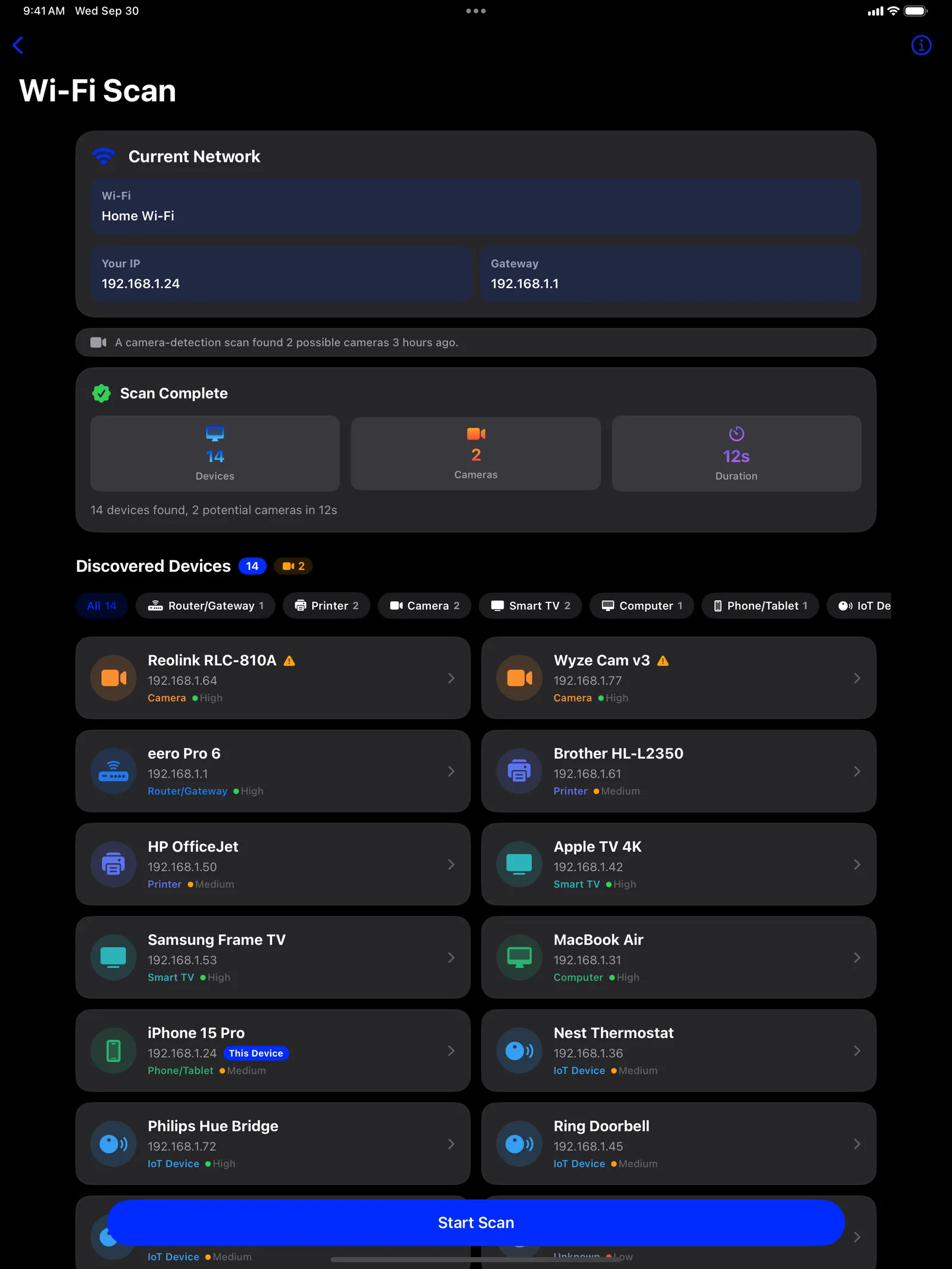
Scan the network you're on and see every device. Likely cameras are flagged so you know what to check first.
Lens finder
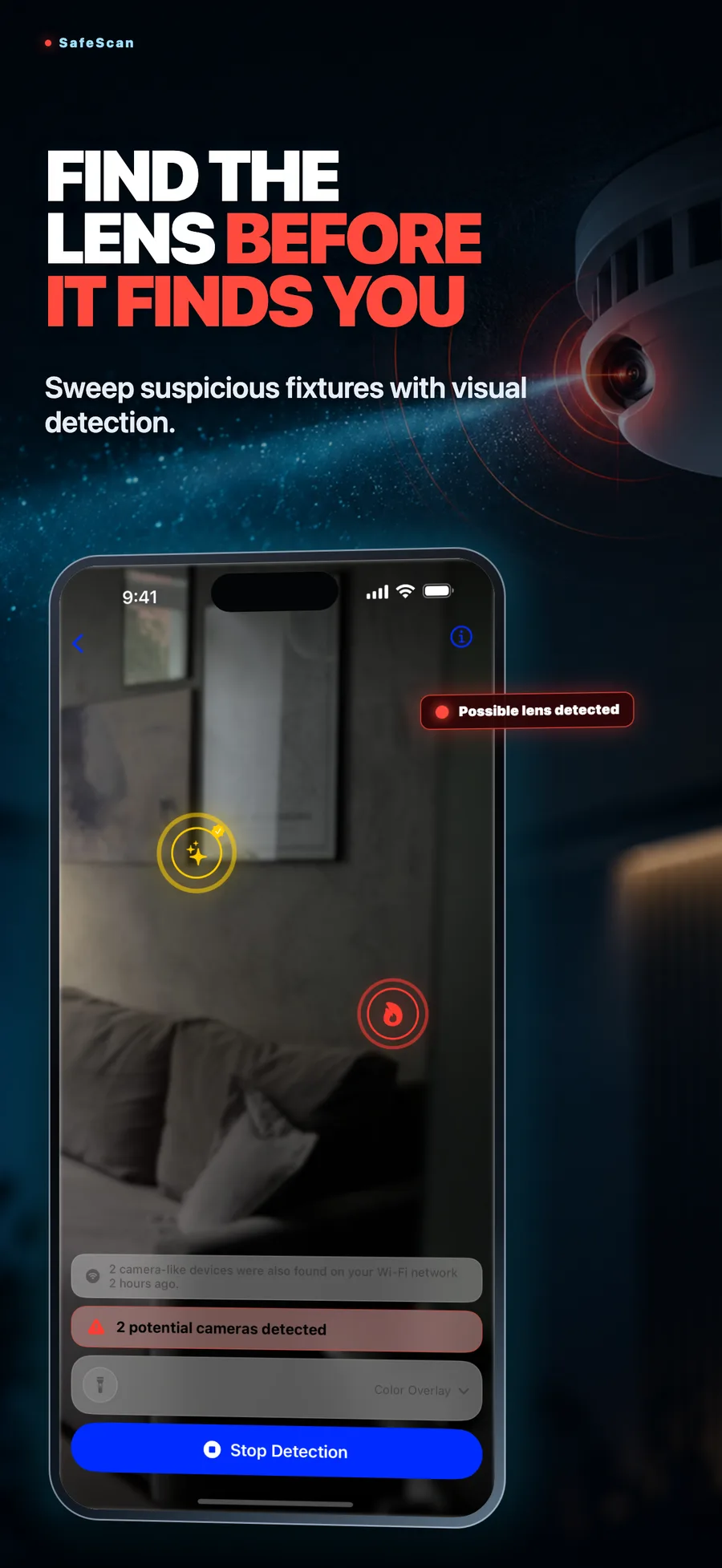
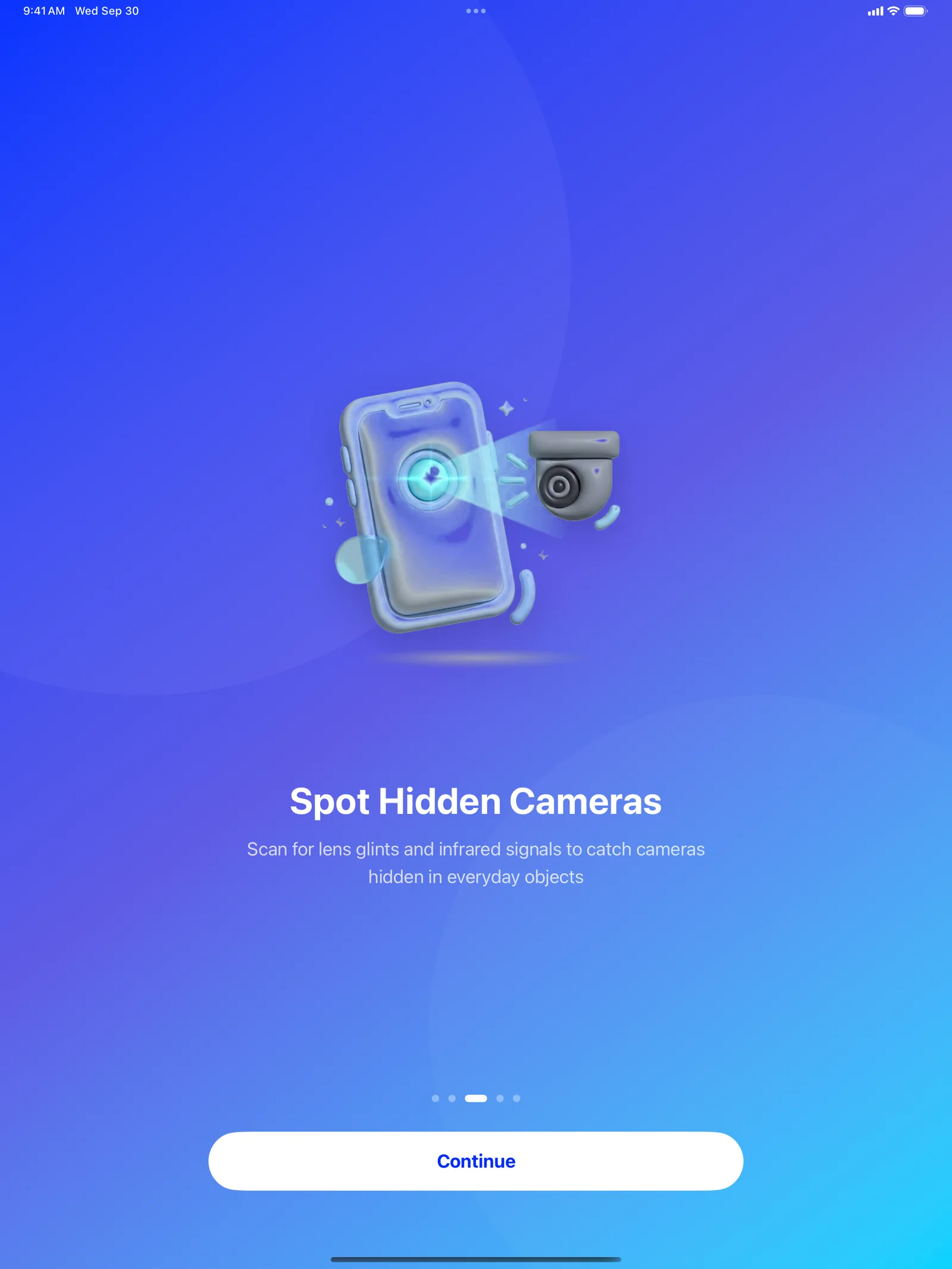
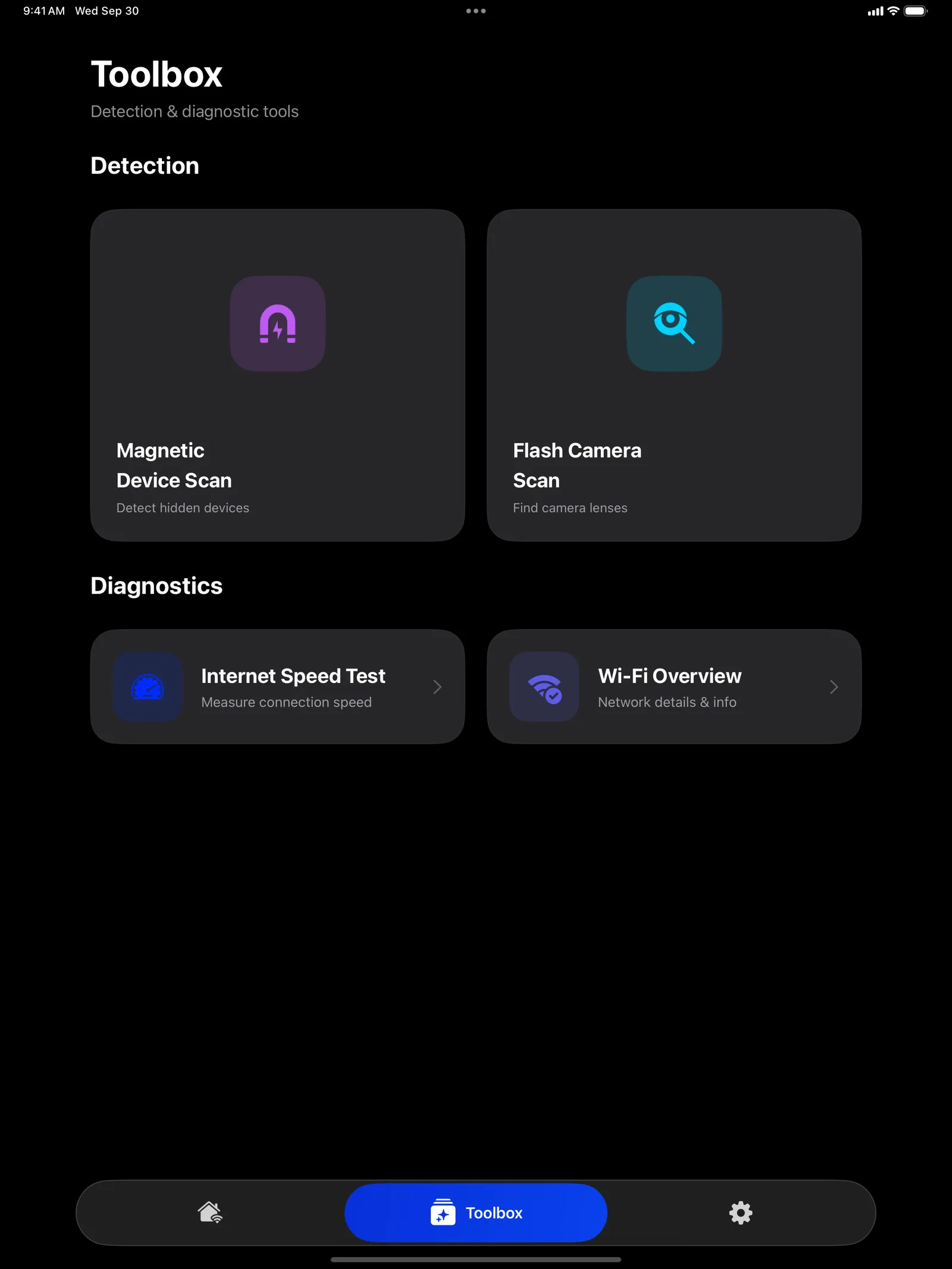
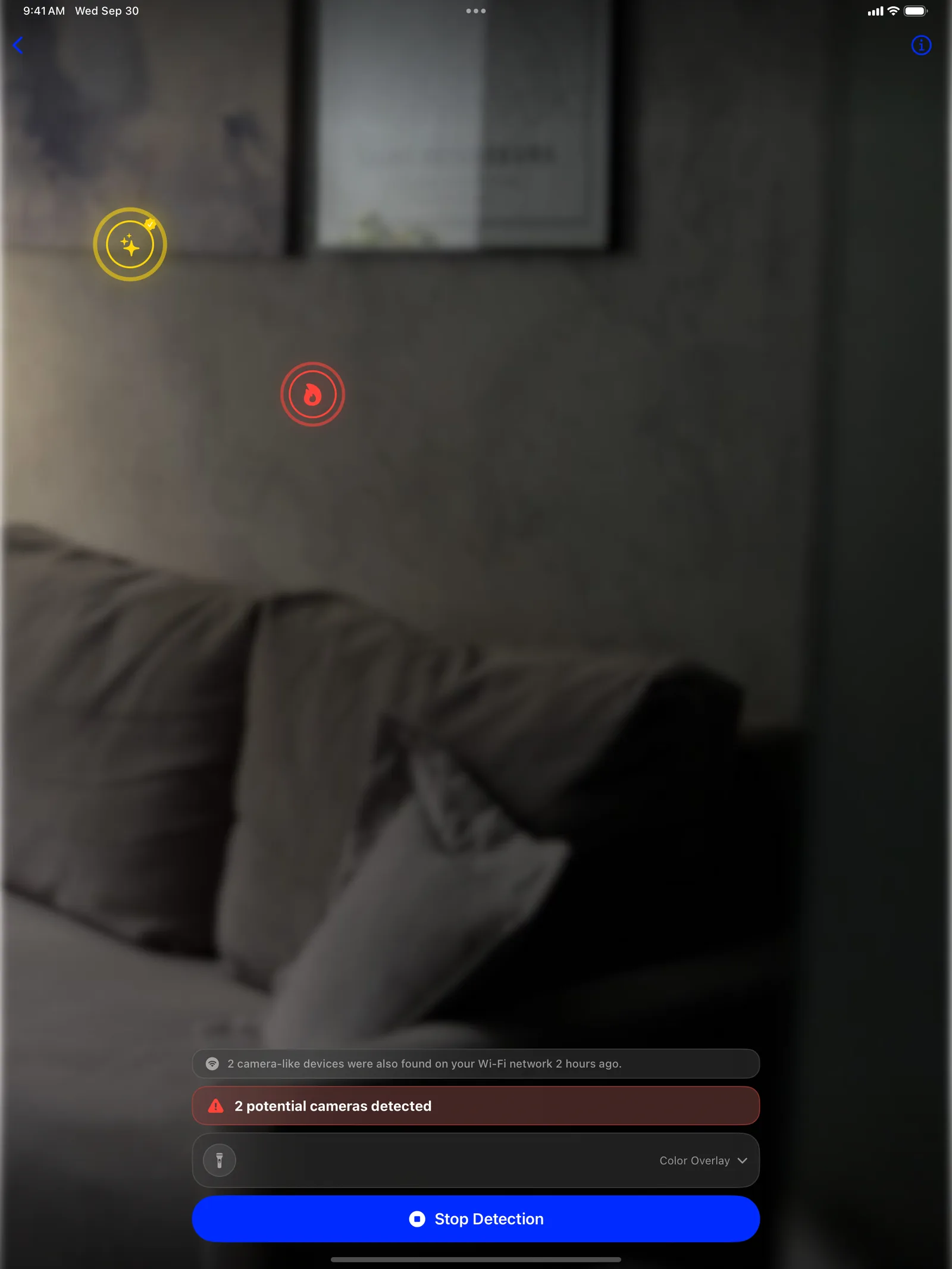
Sweep smoke alarms, clocks and vents with your camera to spot lens glints and night-vision infrared lights.
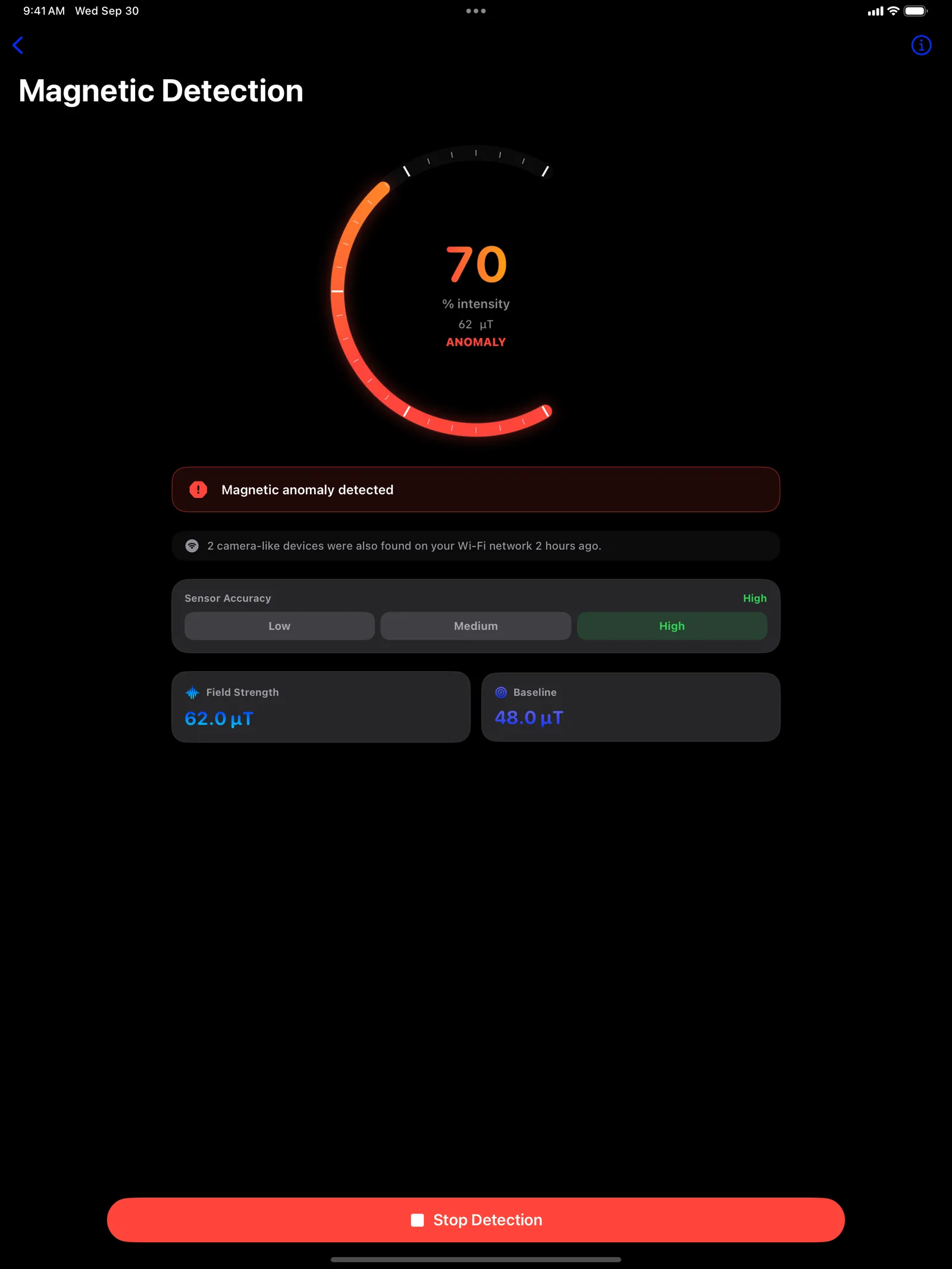
Magnetic anomalies
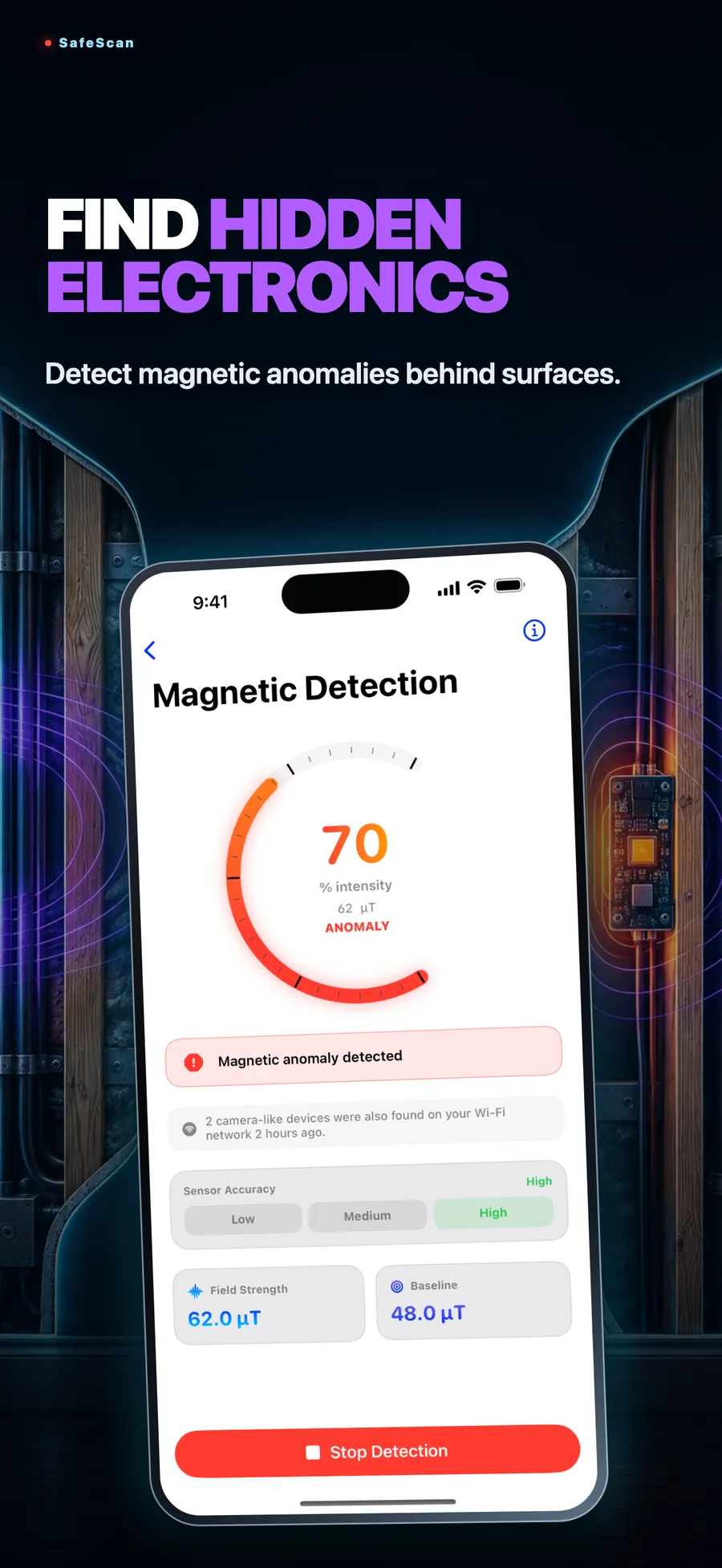
Your device's magnetometer picks up the field of electronics hidden behind walls and surfaces.
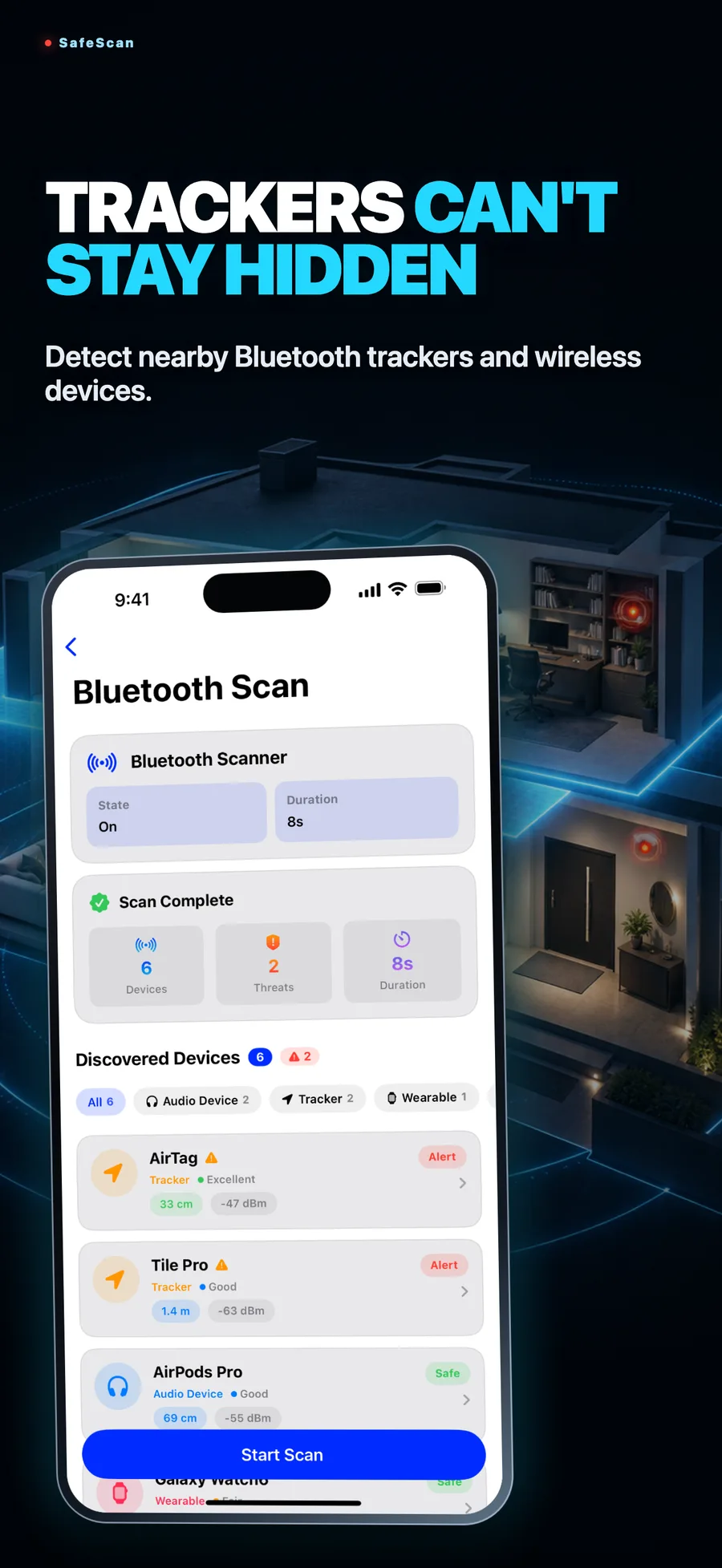
Bluetooth trackers
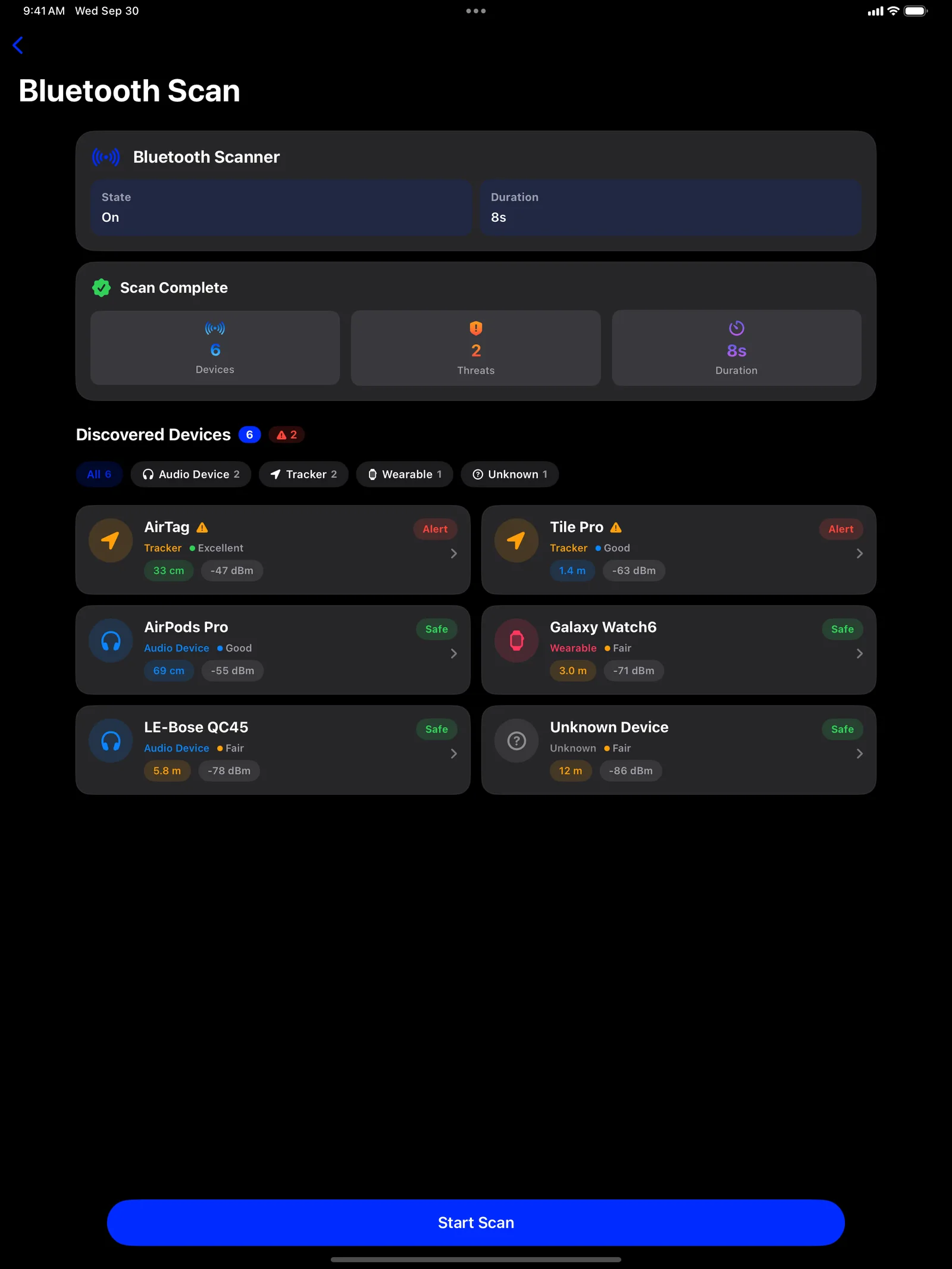
Find AirTag-style trackers and other wireless devices hidden in bags, cars or rooms.
Device details
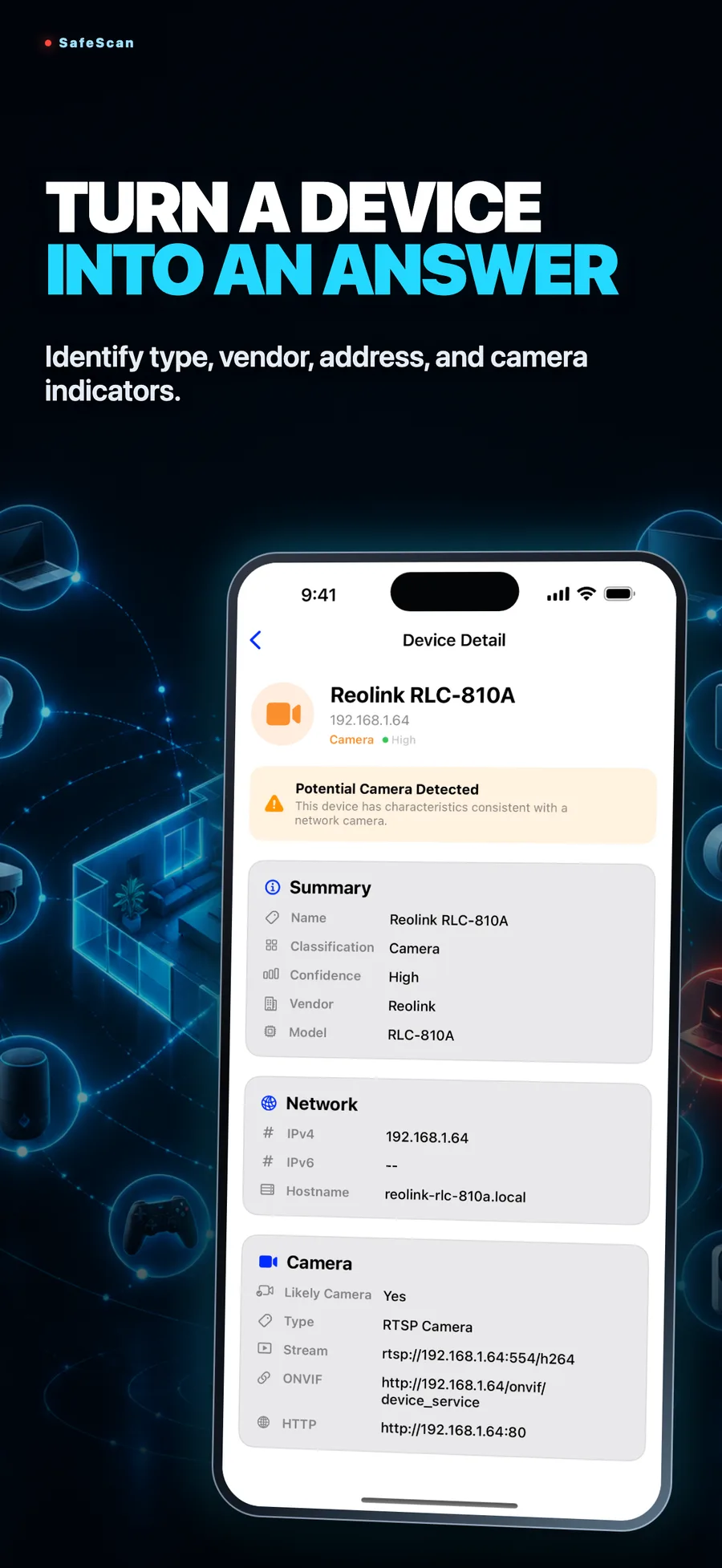
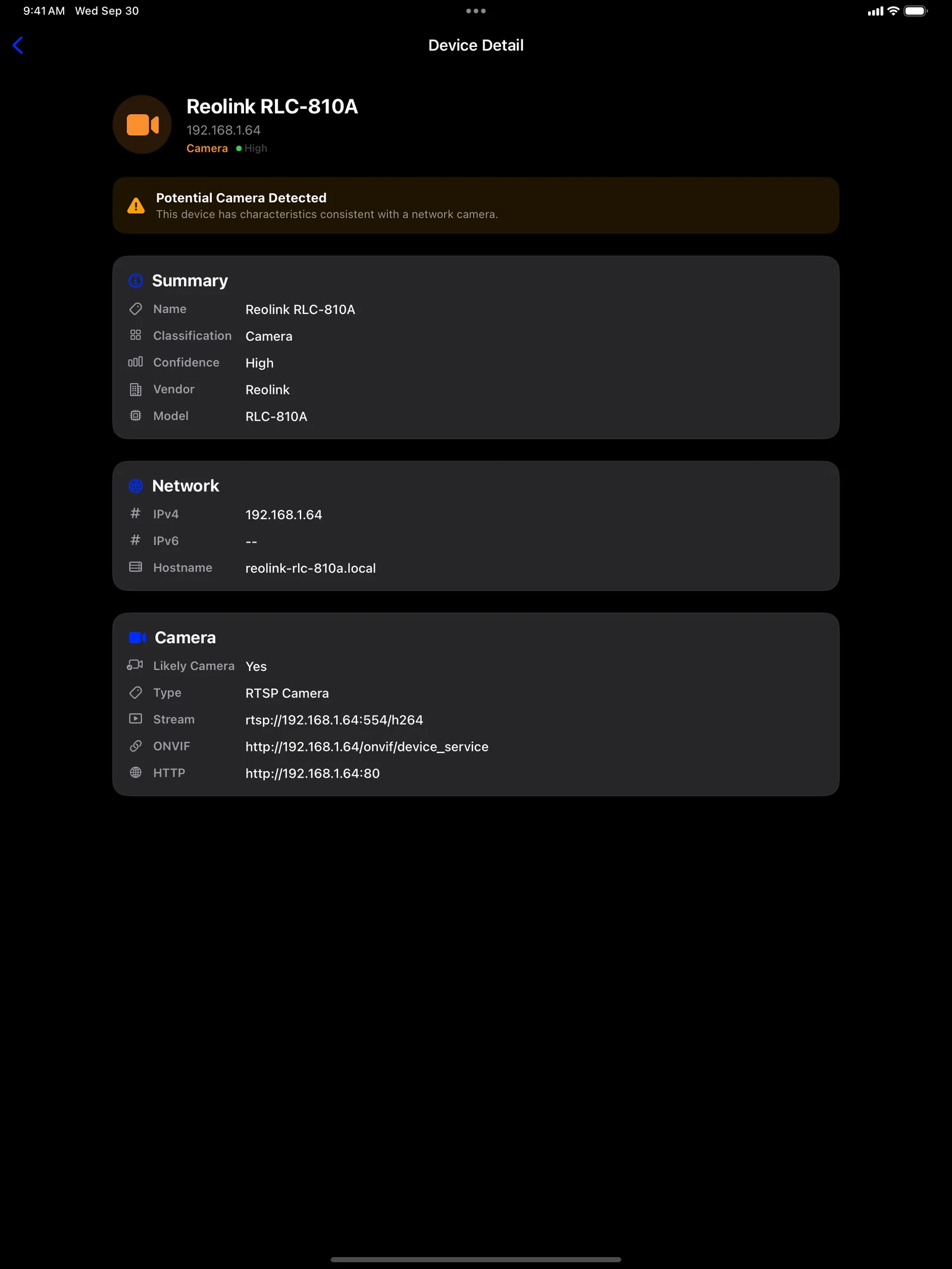
Tap any device to see its type, vendor, network address and camera indicators.
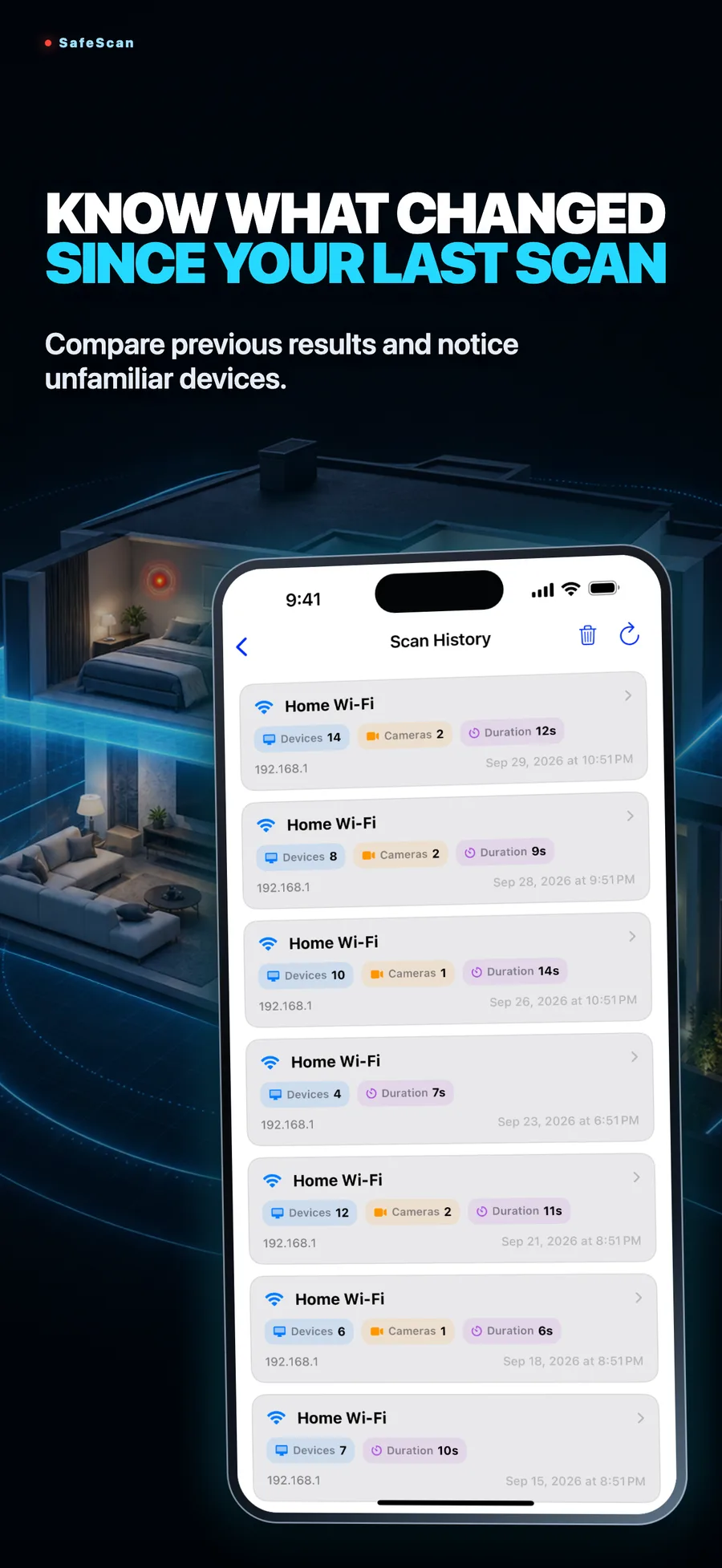
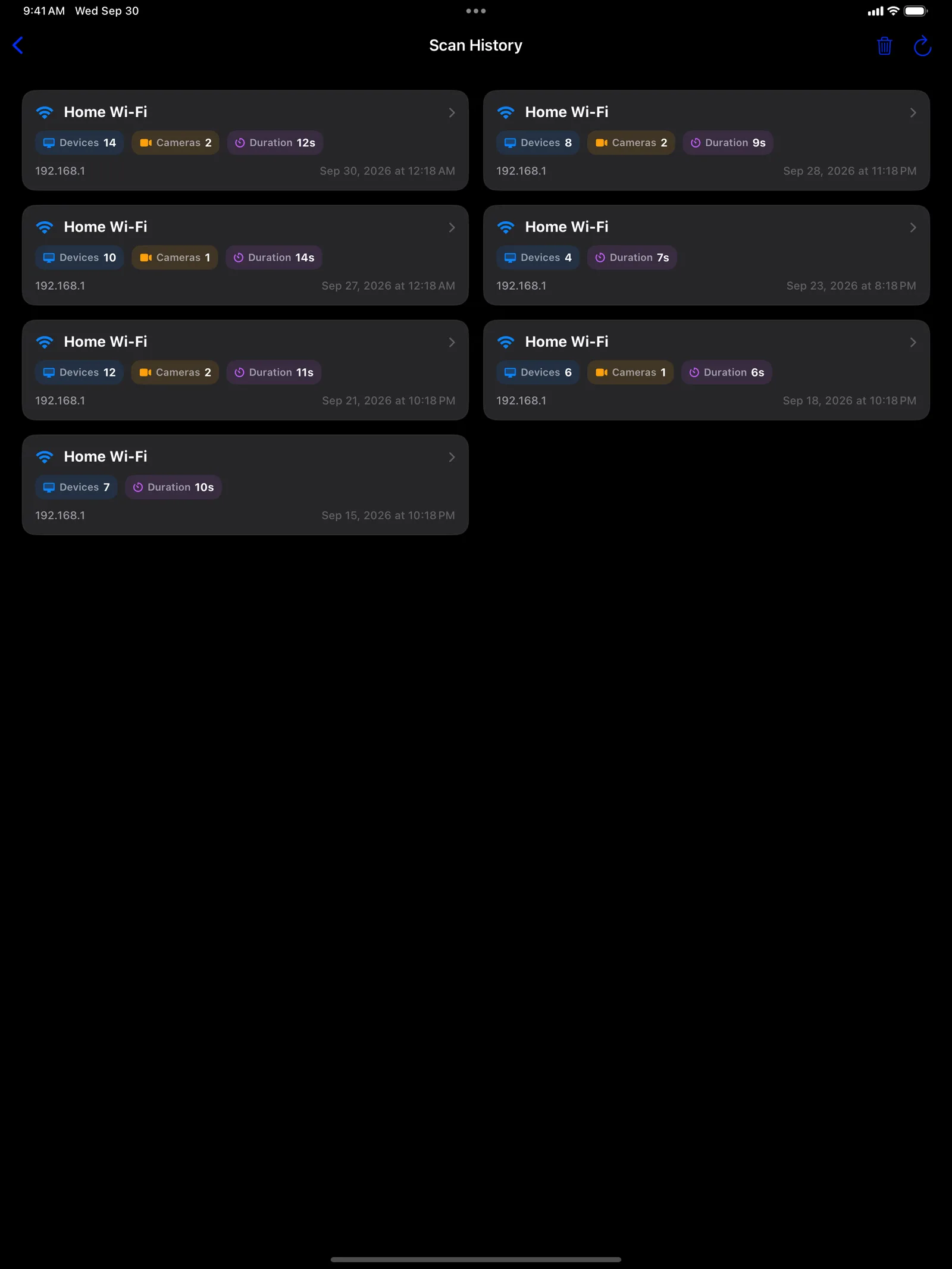
Scan history
Compare past scans and notice unfamiliar devices that weren't there before.
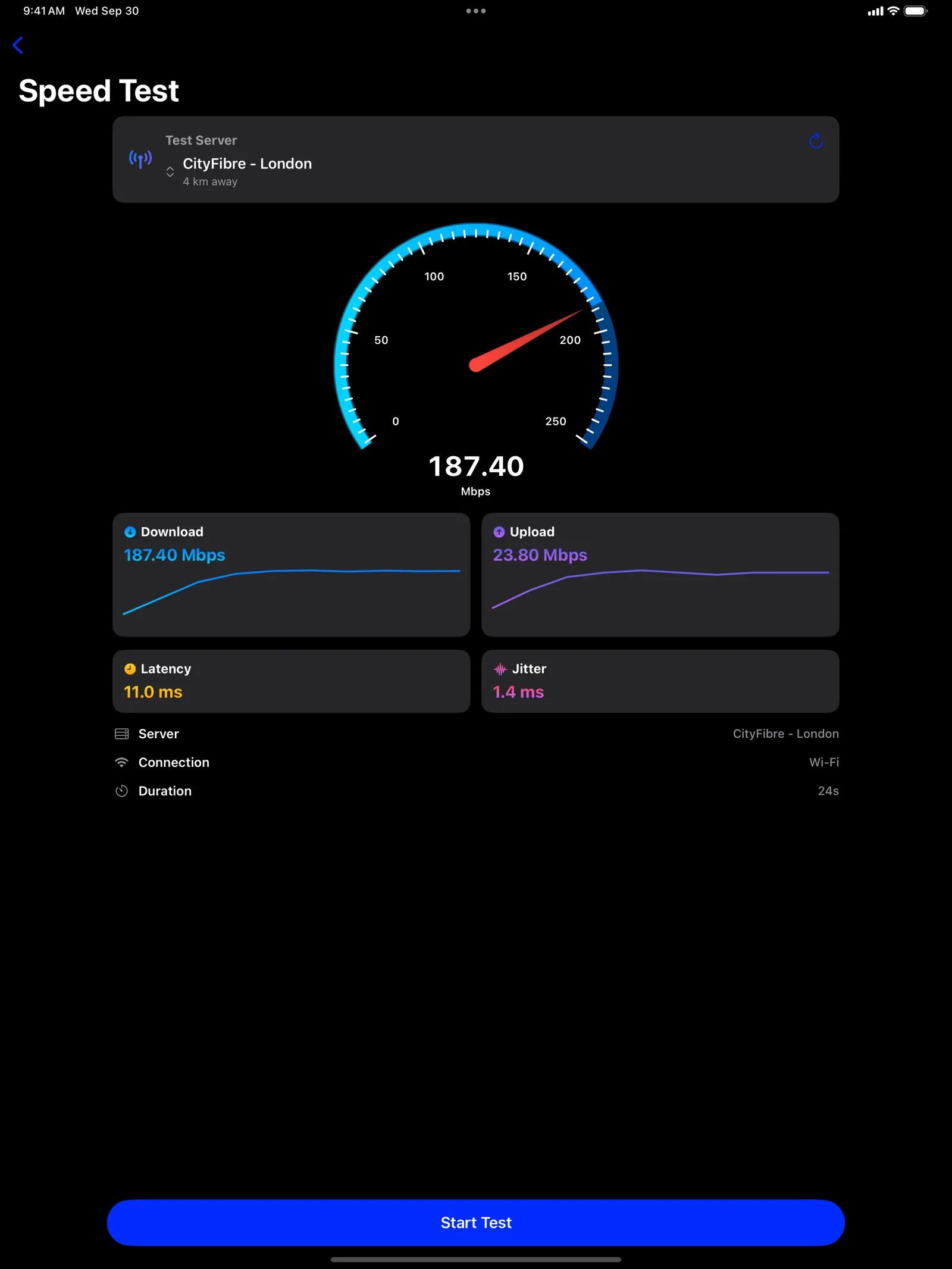
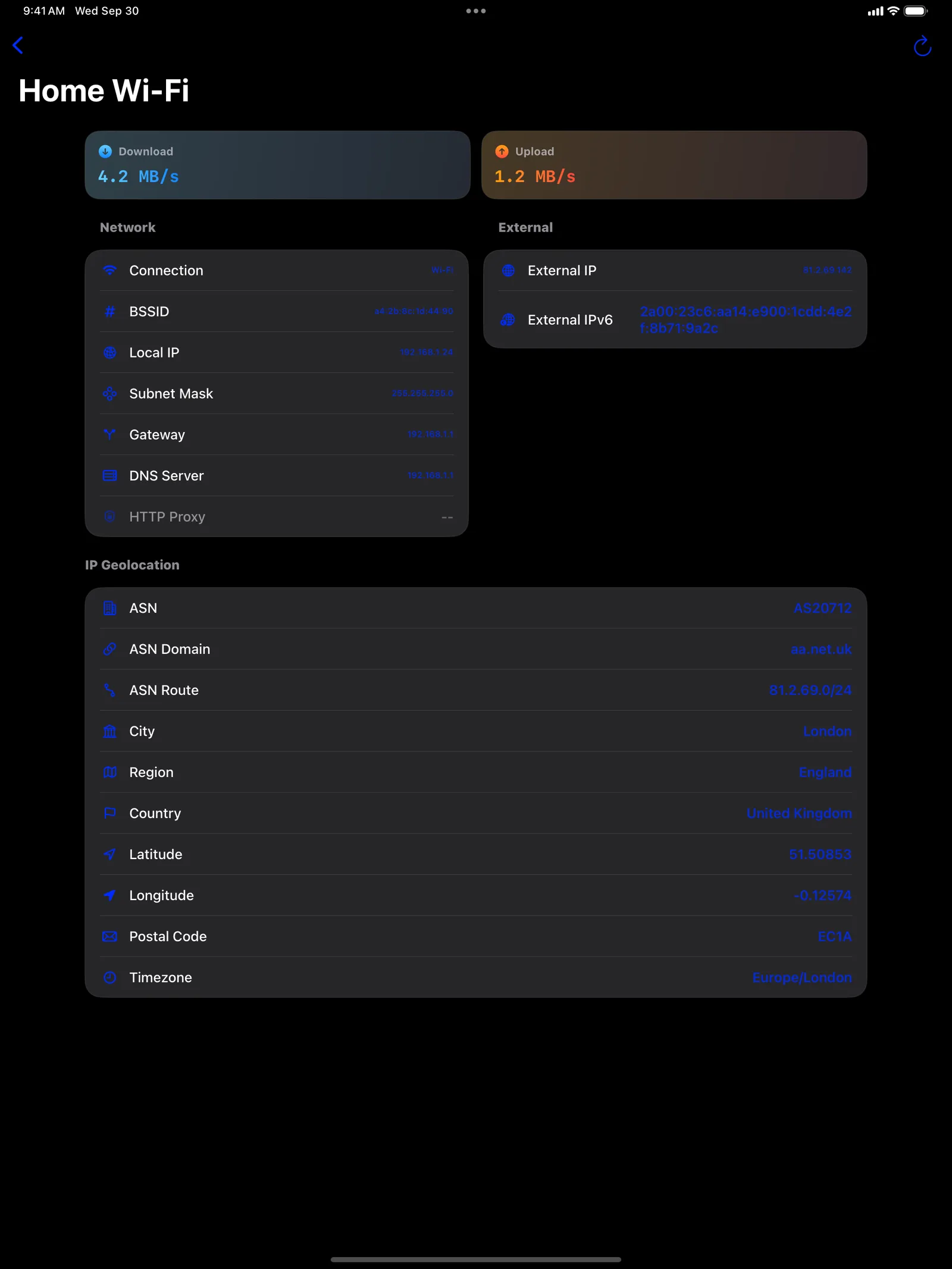
Speed test and Wi-Fi tools
Measure download, upload and latency, and check the details of the network you're on.
See it in action
A short look at SafeScan, start to finish. Sound off.
Screenshots
On iPad
Free or Premium
Free
$0
- All four scanners, within a free weekly quota
- The quota resets every 7 days
- Ad-supported, with an optional video to earn a bonus scan
Premium
$4.99/week · $12.99/month · $24.99/year
- No ads
- Unlimited scans
- Weekly, monthly or yearly plan
Frequently asked questions
Do I need an account?
No. Open the app and start scanning. There's no sign-up and no login.
Is SafeScan free?
Yes. Every scanner is free to use within a weekly quota, with ads. If you run out, you can watch an optional video for a bonus scan or wait for the quota to reset. Premium removes the ads and the limits.
Does it work without internet?
The lens, magnetic and Bluetooth scans run on your device. The Wi-Fi scan needs you to be connected to the network you want to check, and the speed test needs an internet connection.
Can it find every hidden camera?
No app can promise that. SafeScan checks four different signals to give you the best chance, so pair it with a quick look around the room.
How do I restore my purchase?
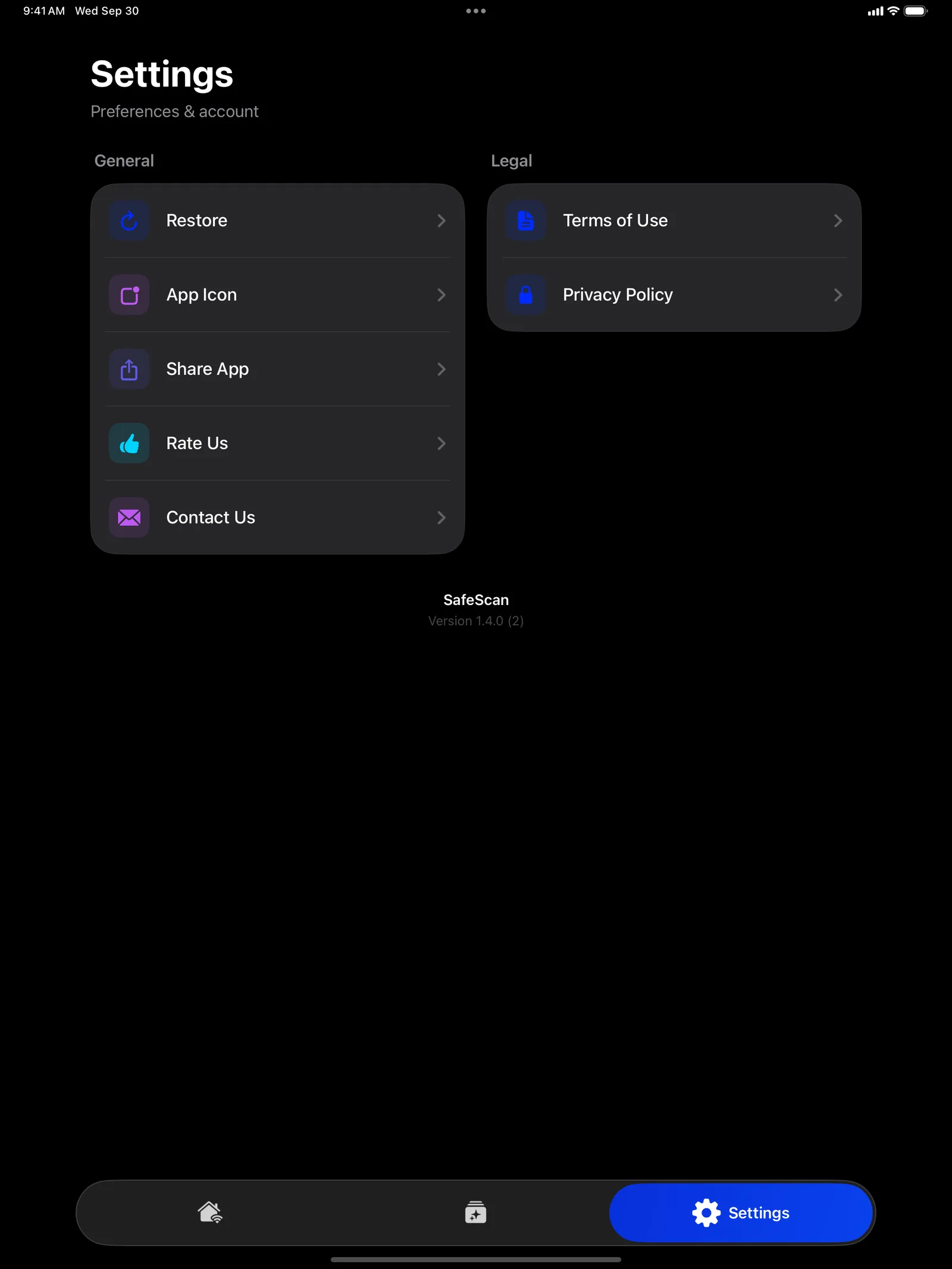
Open Settings in SafeScan and tap Restore, using the same Apple ID you bought Premium with.
Does SafeScan run on Mac?
SafeScan is made for iPhone and iPad.
SafeScan
Utilities · Version 1.4.2 · Requires iOS 16.0+ · iPadOS 16.0+